Wintoys: A Simple Windows Optimization Toolkit
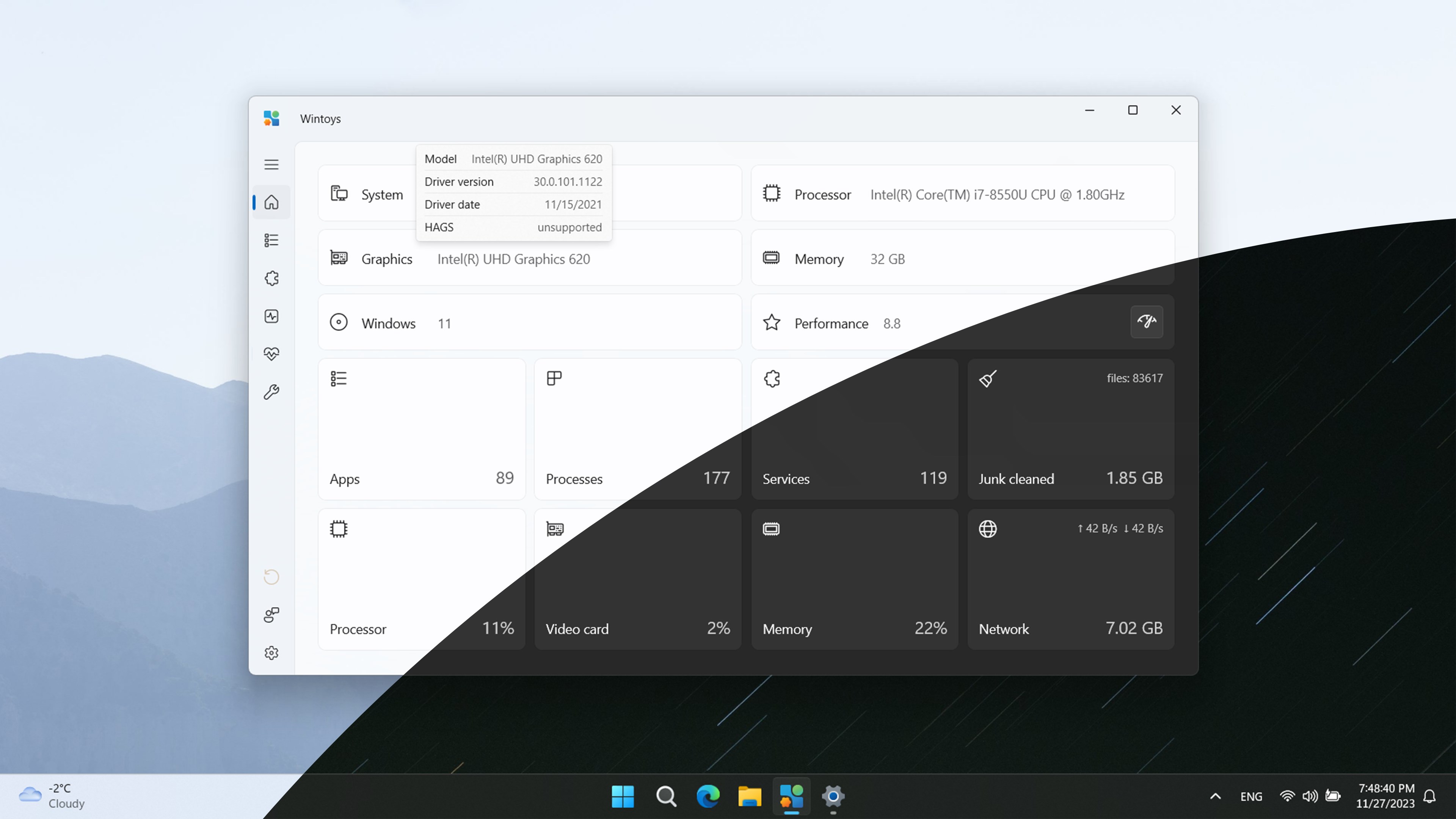
Today, we’re diving into Wintoys—a handy app for optimizing and customizing Windows. Available on the Microsoft Store, it helps with setup, de-bloating, optimization, repair, and tweaks—all in one place.
Why Wintoys? 🛠️
Wintoys provides an easy way to keep Windows clean and responsive. You can manage startup apps, disable unnecessary services, tune performance settings, and free storage space—without jumping through multiple system menus.
Downloading Wintoys 📥
Download Wintoys from the Microsoft Store and launch it after installation.
1. Uninstall Apps (Even the Stubborn Ones) ❌
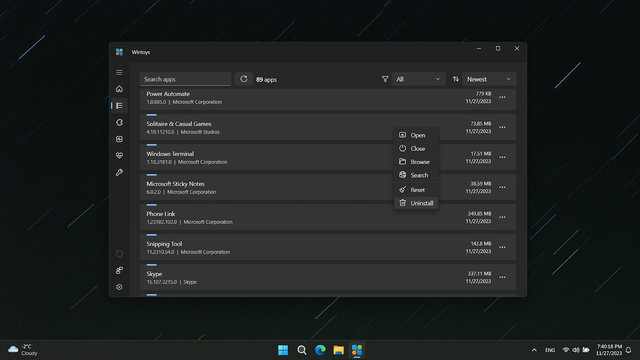
Wintoys can remove apps that don’t expose an uninstall option in Windows Settings. While some system apps remain protected, many bundled apps can be removed safely.
2. Performance Boost 🚀
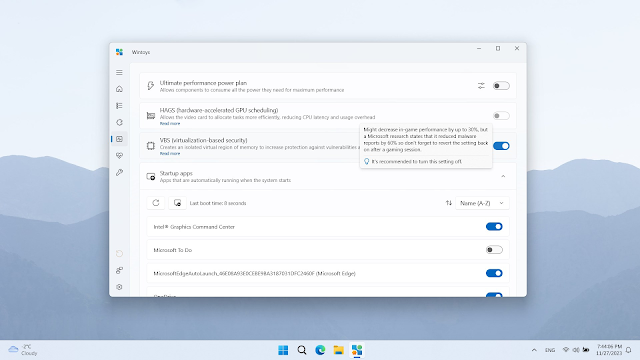
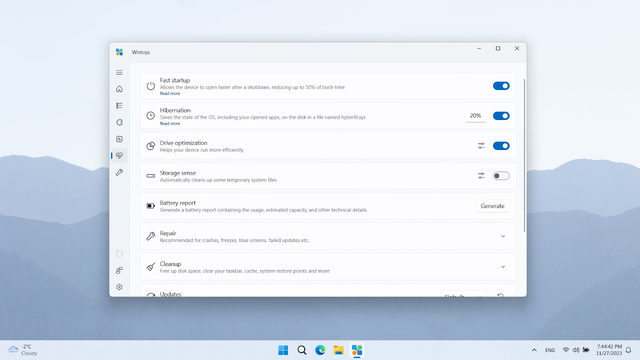
Activate performance plans, manage startup apps, and enable or disable advanced system features to reduce background load and improve responsiveness.
3. Privacy Controls 🔒
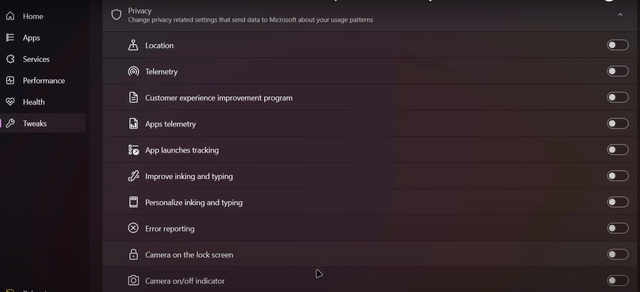
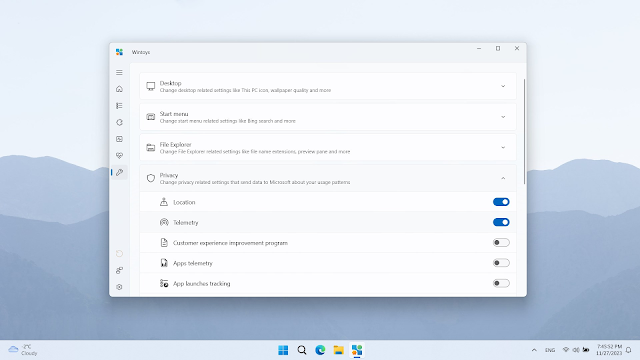
Quickly toggle telemetry, tracking, and ad settings to tighten privacy and reduce data sharing.
4. Repair Tools 🛠️
Run SFC, DISM, and CHKDSK from a friendly UI to fix common system issues without typing commands manually.
5. Customize Your UI 🎨
Add desktop icons, tweak transparency, and adjust context menu behavior for a cleaner, more personal Windows setup.
In Summary 📝
Wintoys is a solid choice for users who want a clean, fast, and customizable Windows experience without digging through menus. If you like one‑click optimizations and a tidy interface, it’s worth a try.